
Change Log

Follow new updates and improvements to Off World Live.

New Knowledge Center, 180/ 360 Rendering Guides, AI Assistant and Feature Requests

New Knowledge Center

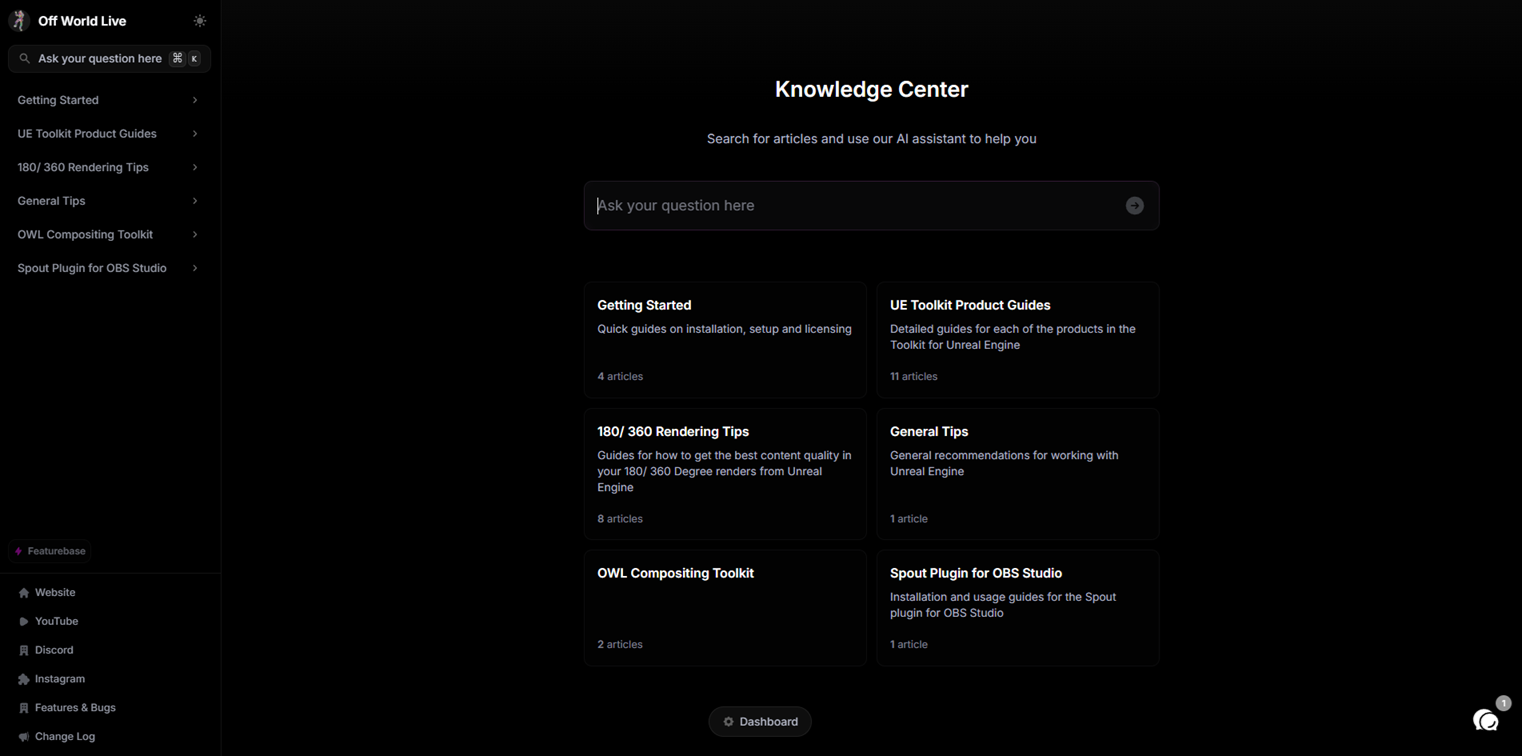
We have released a new knowledge center for our tools where you can find extensive information about how to use our products.

Each article contains a detailed index on the right hand of the page which lists all sub-sections and corresponds to the order of our Actor Details panel in Unreal, making it extremely easy to use.

You can also find additional information about blueprints, key trouble-shooting tips and detailed content creation guidance.


180/ 360 Rendering Guides
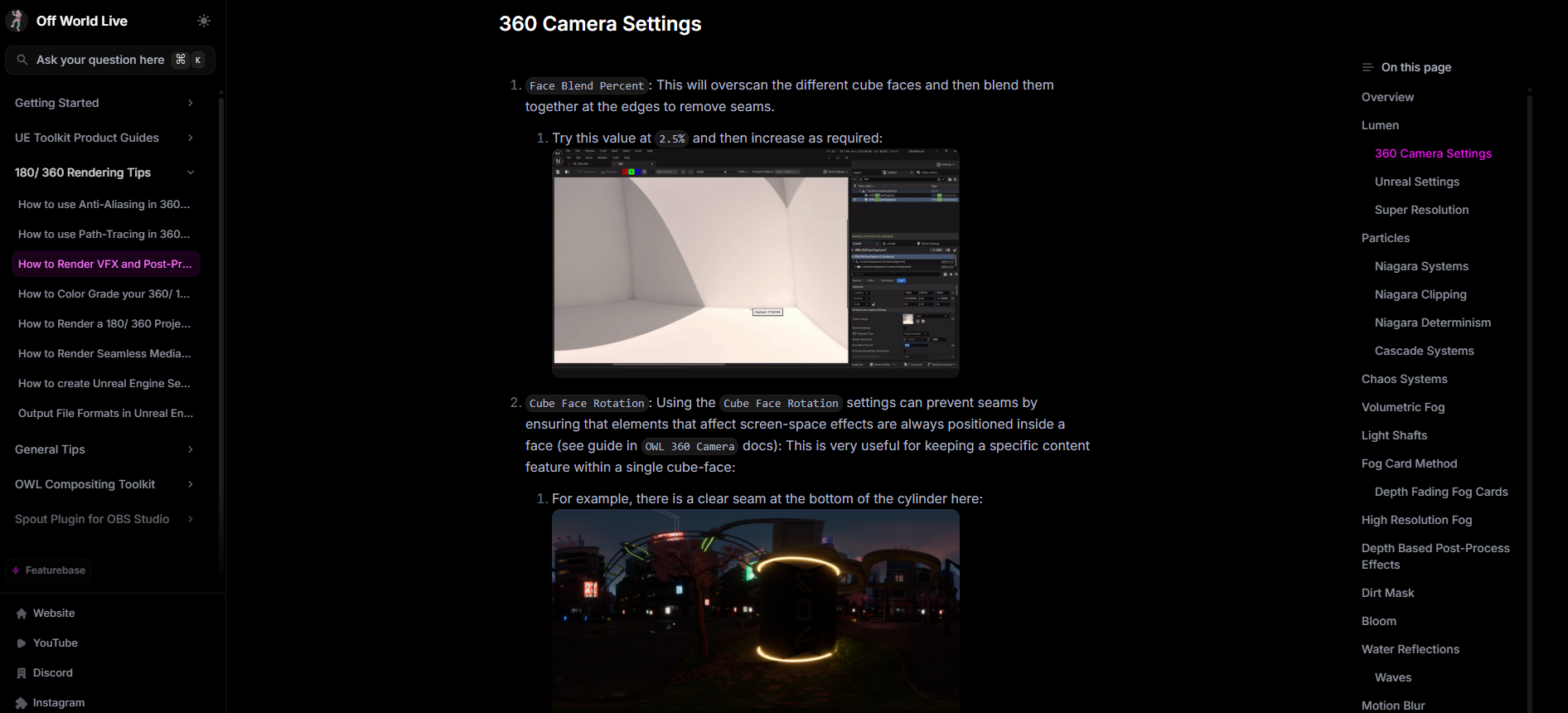
In addition to our product documentation, there is an in-depth section dedicated exclusively to 180/ 360 Degree rendering in Unreal, covering areas such as:

  • Anti-aliasing settings to use with Lumen.

  • Path-tracing and denoising.

  • Optimising VFX and Post-Process effects for 360 renders.

  • Color grading workflows for professional content.

  • How to get the best quality renders for VR headsets.

  • Workflows and tips for Domemaster content.


AI Assistant

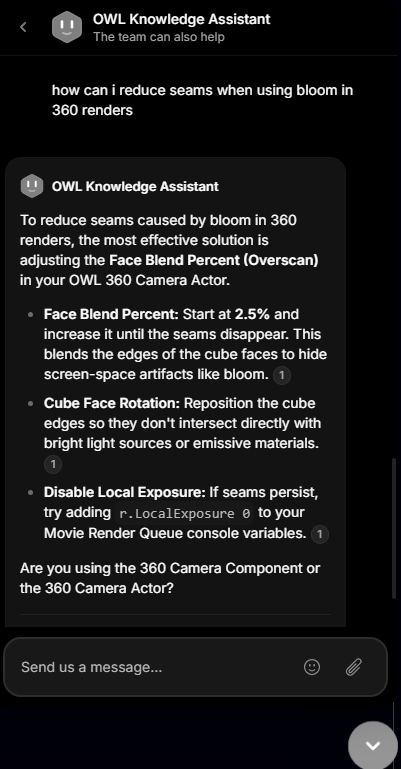
The knowledge center includes an AI knowledge assistant which is also accessible using the live chat function on our website and account pages.

You can ask it natural language questions (in any language) and it will reply both with suggestions and links to the relevant articles in the knowledge center. For example:

Feature Requests

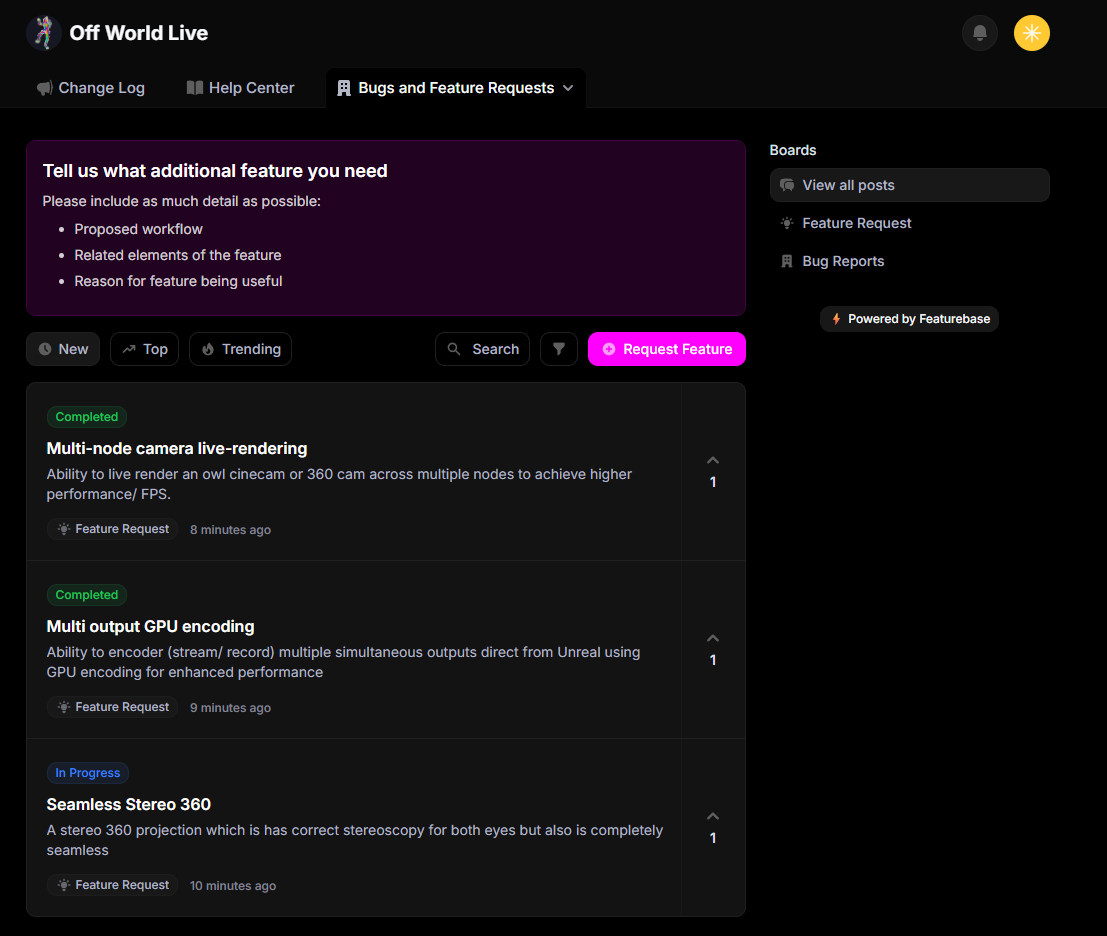
There is a new product portal which includes both the Changelog and a new Feature Requests and bug reporting section.

You can use this section to request features and other users can vote up the features to provide us visibility that they are desired by more users.
NewImproved

5.4-5.7 New Release:

Our new versions for Unreal Engine 5.4-5-7 is now released and can be accessed in the Download Center.

  • Our 360/ 180 Degree integration for Movie Render Queue is now out of beta and contains an extremely extensive feature list (see below).

  • We also have major new features with NDI and Spout, OWL Cinecam, Media Plate and Compsure integration and our Media Wizards.

  • 5.7 has been extensively tested so should be stable but may have edge-case bugs.

  • Updates (same for all Unreal versions) include:

OWL 360/ 180 Degree Camera Actor

  • Render pipeline updated to exactly match Unreal Viewport.

  • Live Preview changed Unreal’s camera preview window to a live output from the 360 camera (Lumen and Path-Tracing).

  • Option to select between 360 Camera or Post-Process Volume settings.

  • OCIO color pipeline option.

  • Full color range support.

  • True Stereoscopic 360 Degree format (experimental).

  • Tiny World (Stereographic) format.

  • Face Blend Percent (Overscan) to remove seams created by screen-space effects.

  • Custom Buffer support (for previz compositing/ color grading).

  • Face Control to adjust the pixels rendered to the exact number required for each projection format (automatic and manual settings).

  • Snapshot to output previz images direct to png with alpha channel support.

  • Custom Projection option to adjust Horizontal and Vertical FOV and add an output Mask to render an exact UV Unwrap of your projection surface.

  • Camera and CubeFace rotation can be keyframed to keep specific objects in the centre of projections (for audience attention).

  • Near Clip Plane control allows control of close objects to camera being rendered or not.

  • Motion tools support (cloners and effectors).

OWL 360/ 180 Degree Movie Render Pipeline

  • Settings now sychronise automatically between 360 Camera Actor and Movie Render Queue.

  • Render pipeline colors exactly match to Unreal Deferred Rendering or Path-Tracing pipelines.

  • Ultra-high (>16k) resolution rendering.

  • Customisable tiling to enable even low-powered GPUs to render at >12k resolutions.

  • CPU Parallelised stitching and rendering for ultra-fast rendering.

  • Option to output individual faces or tiles as exrs for stitching or compositing in external software.

  • Parallelised tiling and stitching support for render farm job support.

  • Automated face0-cropping for accelerated rendering of 180 degree or custom projections.

  • Support for initiating renders from packaged projects/ games.

  • 360/ 180 Degree Burn-Ins for render management.

  • Cross-fade capability managed in Sequencer to transition between different camera shots in a single render.

OWL Cinecam/ Component:

  • Stereoscopic output

    • Top/ Bottom, Side/ Side, Anaglyph and Interlaced outputs

    • Focus plane synchronised with CInecam focus settings

    • IPD Control

    • Output to Render Target for live-streaming or rendering.

    • Works with alpha channel and UMG/ HUD Rendering

  • Snapshot output

    • Direct png output with alpha channel support

    • Works in Editor, Runtime and packaged

    • OCIO color pipeline option added

OWL Compositing Toolkit

  • OWL Matte updated to support Lens files/ Lens setting calibration in sync with OWL CG Element

  • Full Spout and NDI integration with Unreal's new Compositor system in Unreal 5.7 via the media framework.

OWL NDI Sender/ Receiver 

  • New NDI Actor integrated into Unreal Media Framework compatible with Composure, nDisplay, Unreal Media Plate, Unreal Media Capture, and 5.7 Unreal Media Profile workflows.

  • Updated to NDI 6

  • Receiver can receive 10bit color space (in addition to 8bit)

  • Receiver audio-sync bug fixed

  • Gamma toggle for 8bit colors

  • Rectangular light support (Spout and NDI)

  • Direct input/ output from nDisplay (inner and outer frustrum, viewports and nodes) via Media Framework integration

OWL Spout Sender/ Receiver

  • New Spout Actor integrated into Unreal Media Framework compatible with Composure, nDisplay, Unreal Media Plate, Unreal Media Capture, and 5.7 Unreal Media Profile workflows.

  • Direct input/ output from nDisplay (inner and outer frustrum, viewports and nodes) via Media Framework integration 

  • Ability to send up to 32bit color direct to/ from nDisplay to creative software like TouchDesigner or Resolume

OWL Media Output Wizard

  • Enable alpha channel and audio support direct from the Wizard.

OWL Media Input Wizard

  • New Wizard to configure video/ audio inputs

  • Integrates with Unreal's Holdout Composite for non-anti-aliased media which exactly matches the colors and fidelity of your input feed (no distortion inside Unreal).

  • Option for NDI, Spout, Screen Capture and Media file

  • Alpha channel support

  • Output to Media Plate, Plane and Material

OWL Media Output/ Component

  • Addition of audio buffer settings.

OWL VRM4U Unreal Engine Integration

  • Updated to support 5.5-5.7

NewImprovedFixed