Change Log

Follow new updates and improvements to Off World Live.

Early Access: ODS 360/ Domemaster3D/ Cylinder, Cryptomatte, Movie Render Graph, Seamless Bloom in Renders plus much more
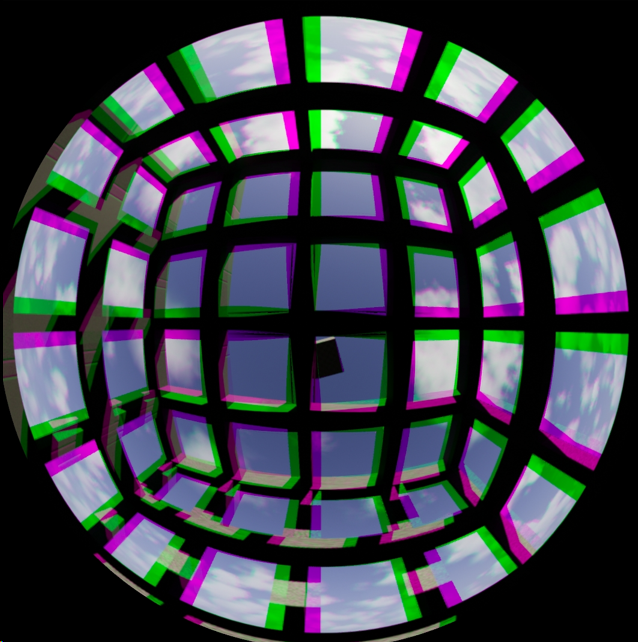
A major new Early Access release is now available to download for Unreal 5.6-5.8 (plugin versions: 378.63, 403.27, 430.0).


Early Access

  • To download the release, join our Early Access program:

    • Go to your account page and click to subscribe to Early Access.

    • Then go to our Download Center and you will see the Alpha versions of the plugin.

  • If you don’t see the plugin, please make sure you are logged in and hard refresh.


Omni Directional Stereo (ODS)
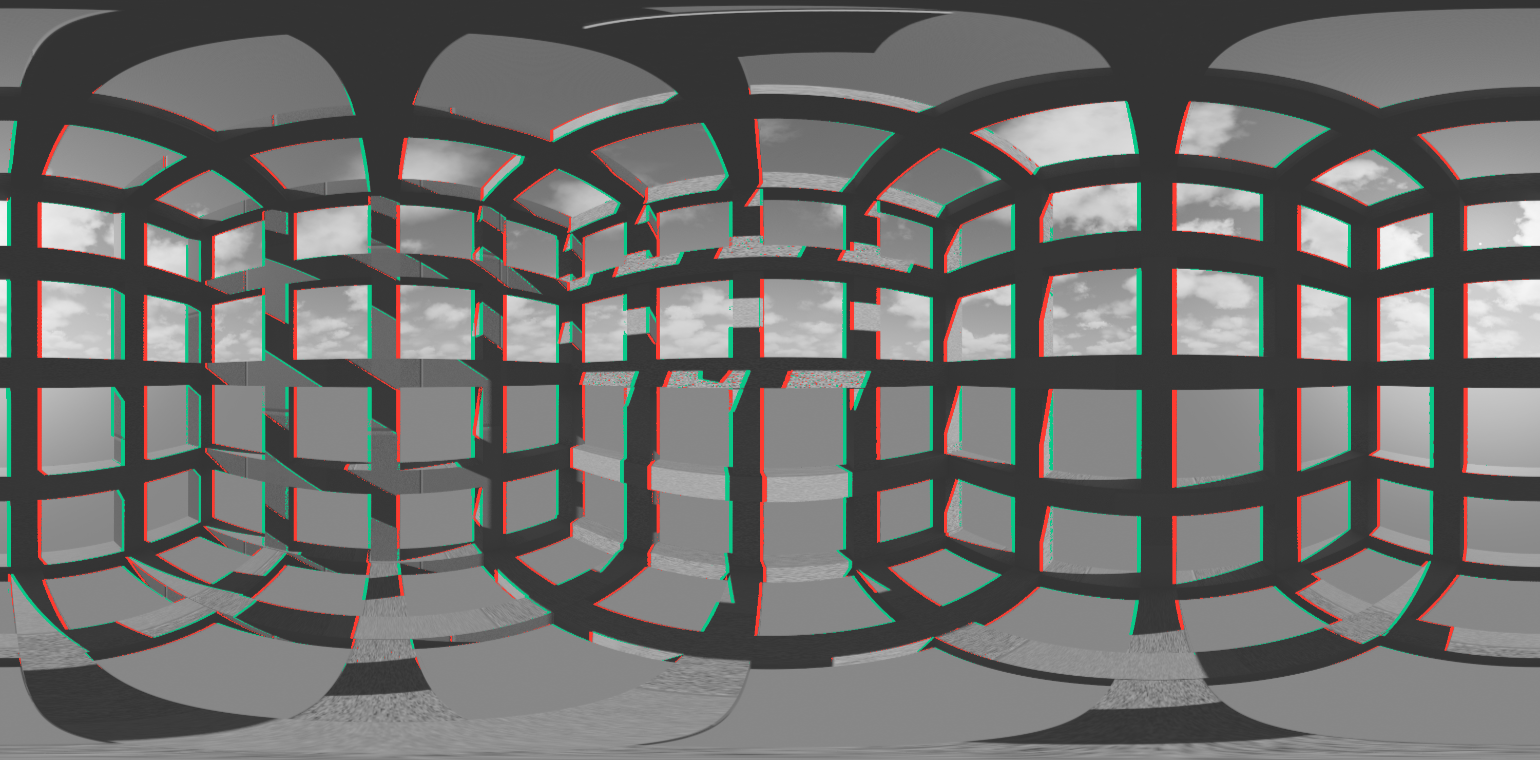
We now support ODS (Omnidirectional Stereo) outputs for

  • VR (Stereo 360),

  • Dome (Domemaster 3D ODS); and

  • Cylindrical projections.

Overview:

  • ODS allows for seamless 360 degree stereoscopic projections as you can see in the anaglyph of a 360 stereo equirectangular frame above.

  • It uses capture rigs of multiple cameras from which both the pixels for left and right eyes are sampled.

  • This provides continuous, clean stereoscopic imagery for the complete sweep of 360 degrees.

  • Both poles converge to monoscopic to avoid negative viewer experience, at an angle adjustable by the user.

  • There is a new set of Parallax Guides which show in the live Render Target to guide on:

    • Objects to close to viewer

    • Objects at focus distance (with picker to set distance to exact content point where parallax should end).

    • Objects beyond focus distance

    • Objects on surface of Dome (Domesmaster 3D only).

  • Domemaster 3D includes Dome Tilt, Zero Parallax Radius, Zenith Separation Falloff and Anaglyph mode for previz.

  • Cylindrical ODS includes Angular and Perspective options, the latter used for direct projections to LED walls.

Things to know:

  • The ODS projection works both in the 360 Camera actor (Render Target) and Movie Render Queue/ Graph.

  • It consumes much more VRAM (3x) than the cube based projections because it has to capture a lot more cameras so is only suitable for previsualisation, not live-streaming.

  • You can use the Pause Rendering/ Capture on Movement settings to manage performance while working with the projection in Editor.

  • In Movie Render Queue/ Graph, there is a new setting in High Resolution Rendering called ‘Generate’, which appears only for ODS projections.

    • You can chose to generate a job per eye (with stitching) or per pane (each of the cameras that are used for the projection are rendered separately and then stitched together).

    • For renders above 4-6K you should use these settings to manage VRAM usage.

    • Render times will be longer for ODS, both due to the higher resolution/ aspect ratio and the fact that more cameras are being captured.

    • Niagara and Skeletal meshes currently have some artefacts in ODS projections. We hope to resolve these before the full release.


Cryptomatte
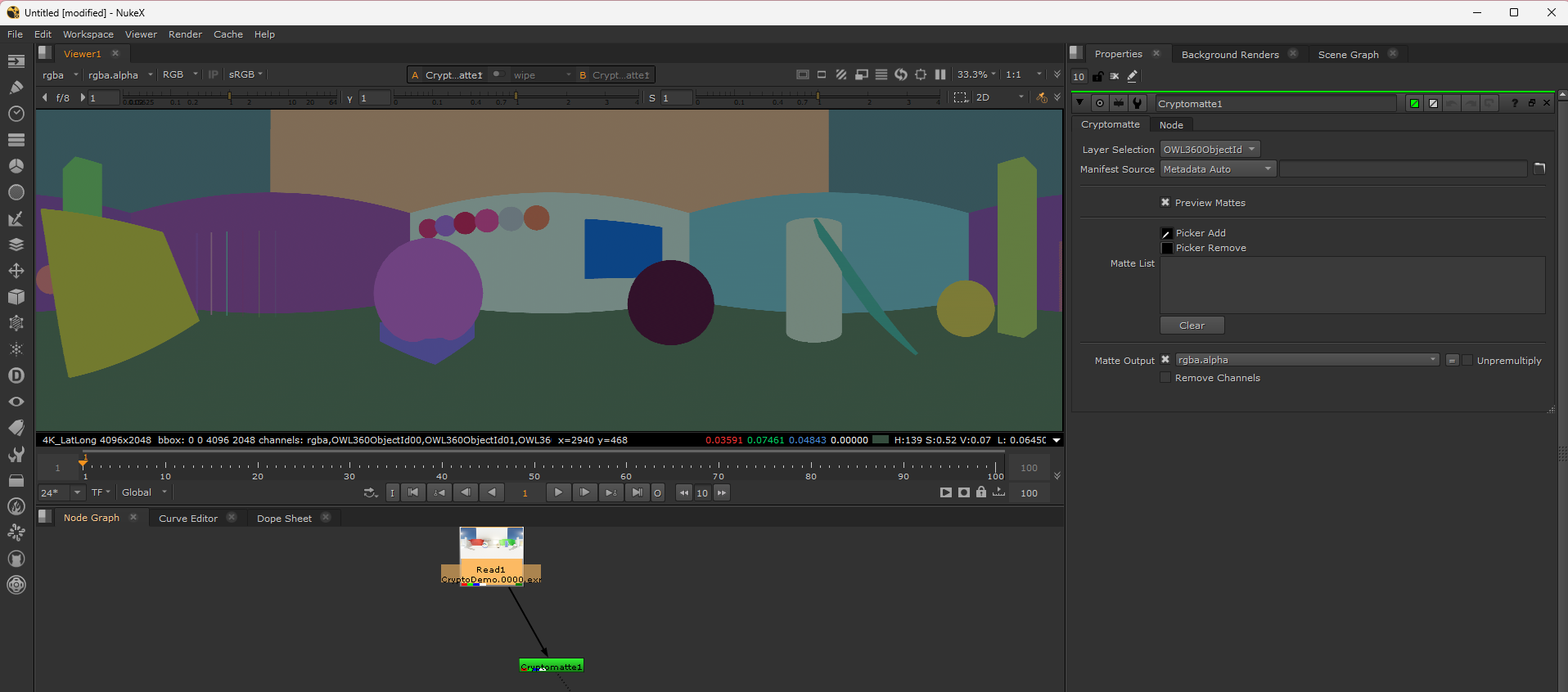
Cryptomatte is now supported for all output projections, including tiled high resolution renders and ODS projections:

  • The implementation matches Unreal’s cryptomatte exactly and is directly compatible with Nuke, DaVinci, After Effects etc.

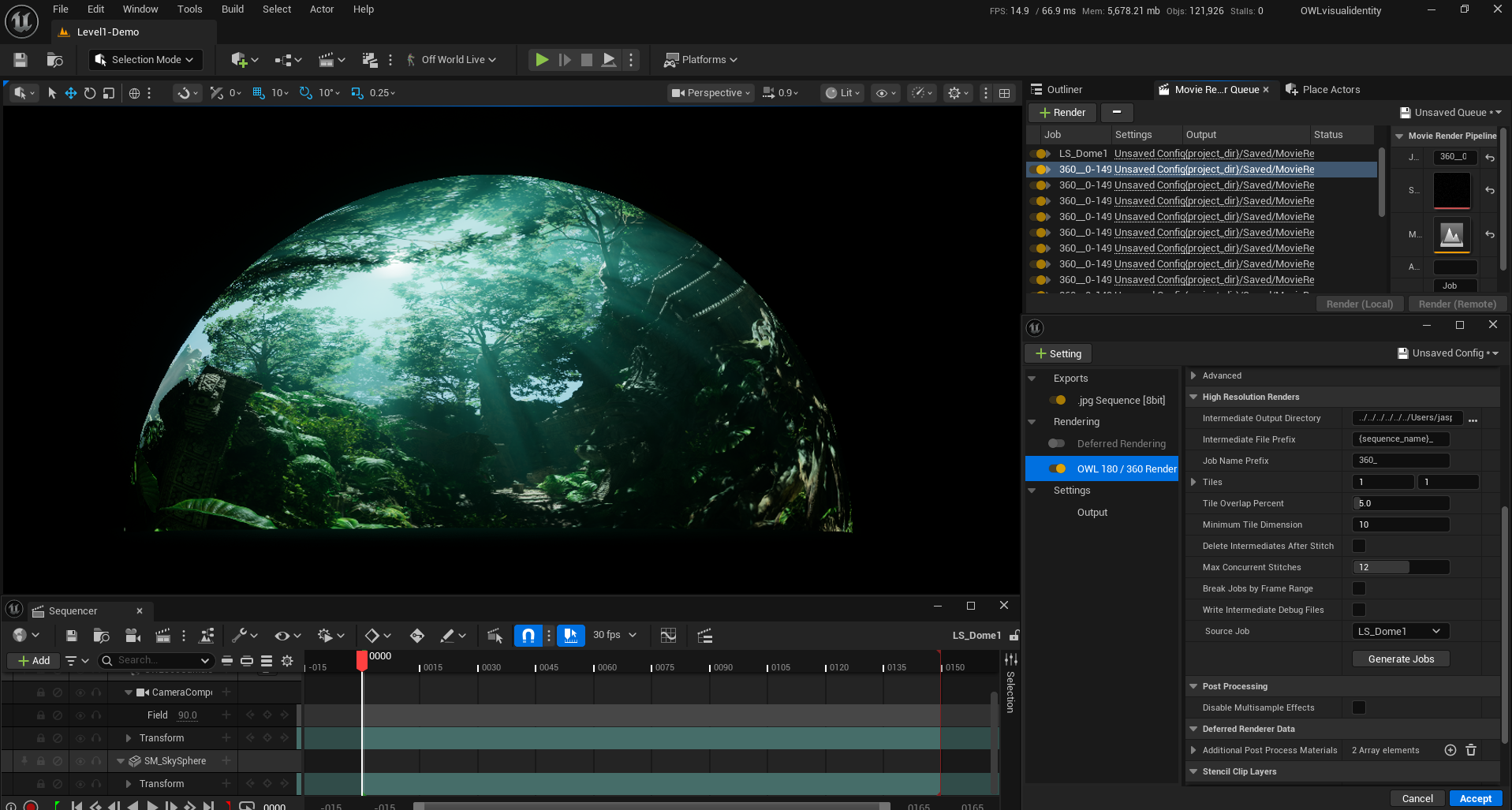
  • You can add the OWL 180/ 360 Object Ids render pass in Movie Render Queue or Movie Render Graph and set the objects direct in the pass.

Things to note:

  • .Exr file format is required.

  • When using tiled or split pane (ODS) renders the render jobs will be automatically generated by the OWL pass.

  • Cryptomatte is Pro 360 Camera license only.

  • Cryptomatte will only work with new renders because previous renders had a pixel offset which will misalign them to the Matte.

  • The option Centered Stitch Grid (on by default) ensures that beauty passes and the cryptomatte are precisely pixel-aligned.


Movie Render Graph
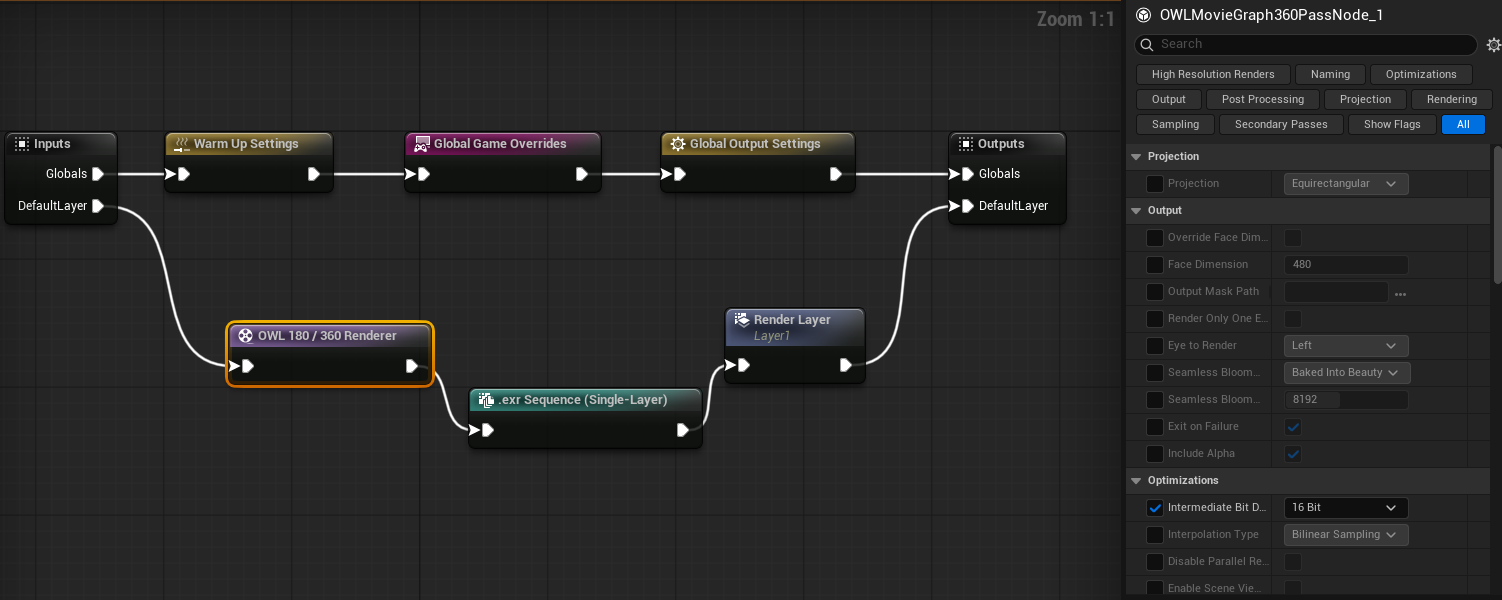
You can now initiate and manage OWL renders through Movie Render Graph:

  • You can add nodes for all OWL capabilities: main pass, Object Ids, tiling and stitch pass.

  • All the same render capabilities are supported in both.

Things to note:

  • You must set the output resolution for your render in the Global Output Settings node instead of the OWL render pass like in Movie Render Queue. A warning will pop up if the aspect ratio you have selected is incorrect for the projection you have selected.

  • If you are using tiling then you need to add all your settings before clicking the ‘Generate Jobs’ option.

  • Currently ODS supports only Render per Pane in MRQ, tiling is only supported in MRQ, but will be added for the full release.


Seamless Bloom in MRQ/ MRG

Our patented seamless Bloom algorithm can now be used in Movie Render Queue/ Graph:

  • It has been refactored to be composited into the render after the Tonemapping part of the render pipeline to retain color accuracy with Unreal’s final output.

  • The new Bloom can be enabled in the 360 Camera Actor in the Post Process Pipeline section under Pipeline > Seamless 360 Bloom.

  • You also need to update the Bloom value above 0 in the Post Process settings of the 360 Camera.

  • In Movie Render Queue/ Graph there is a new Bloom section where you can add the Bloom direct to your render either directly or as a separate .exr layer to use when compositing.

  • N.B. the Seamless 360 Bloom option must be enabled in the 360 Camera Actor for the render pass to work.


Other Updates

In Movie Render Queue/ Graph:

  • The Interpolation Type option has been updated to include Bicubic and Trilinear sampling.

    • Trilinear sampling is recommended although it can slightly increase render times.

    • Trilinear enables downsampling of tiled renders in a Stitch pass to a new resolution with pixel accuracy, either to produce lower resolution outputs or to gain additional detail to renders through downsampling.

  • Scene View State CPU Transfer is added which allows for memory to be offloaded to the CPU preserving VRAM.

    • This setting only shows benefits when used with Anti-Aliasing set to None and Spatial/ Temporal samples added manually.

    • In this configuration it can be possible to render Equirectangular 180 at 12Kx12K without tiling to preserve fully dynamic scene elements.

    • The cost of this is much longer render times due to the CPU transfer.

  • In tiling, owli intermediate files have a new compression and layout algorithm so intermediate files take up significantly less disk space.

  • Anti-aliasing without TSR updated to support spatial sample jitter.
Introducing Rental Licenses: Only Pay when it's Earning you Money

When a big project lands and the deadline is ticking, you need serious rendering horsepower, not a permanent hit to your bottom line.

That’s why we’re launching Rental Licenses, designed for studios and creators that need flexible, project-based access to our tools.

Now, you can instantly spin up additional machines for heavy, large-scale renders with no upfront costs for software that sits idle between shows.


Project-Based Pricing:

Purchase as many nodes as you need on a per-month basis with extremely competitive pricing:

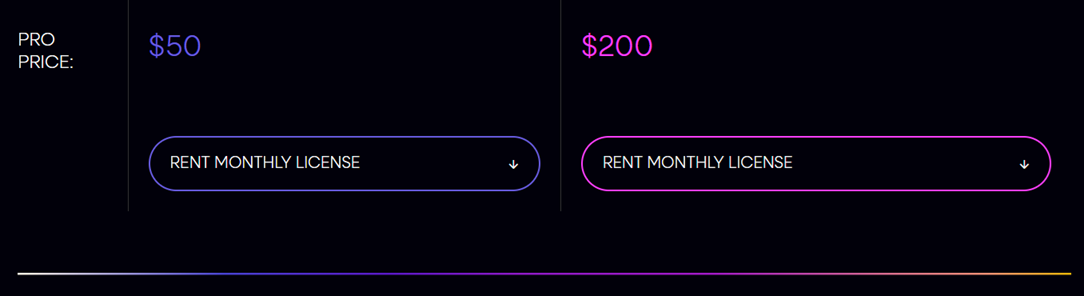
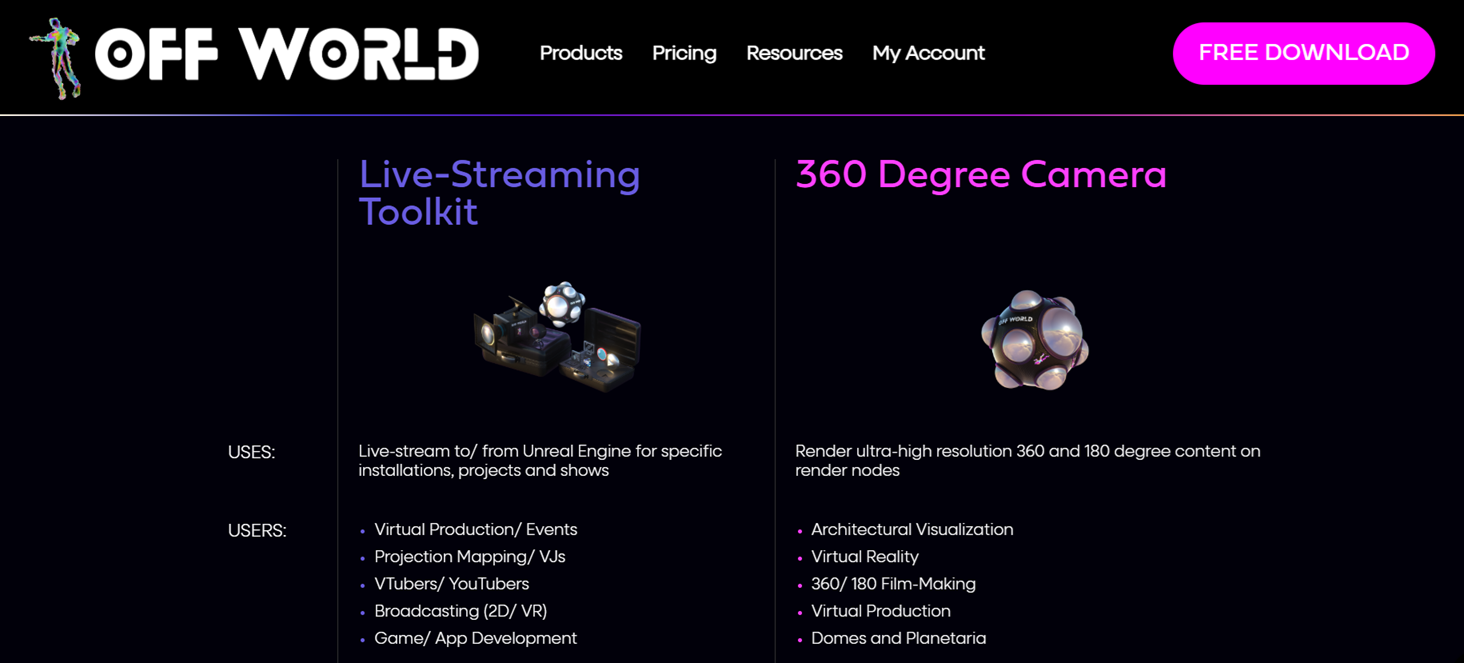
  • Live-Streaming Toolkit PRO: $50/ machine/ month

  • 360 Camera PRO: $200/ machine/ month


Unlock PRO Features

Rental Licenses include PRO features so you get access to the exact tools elite studios use to power massive immersive experiences such as:


Intuitive Installation and Management

Rental Licenses are installed and managed using our License Utility, in exactly the same way as Perpetual Licenses:

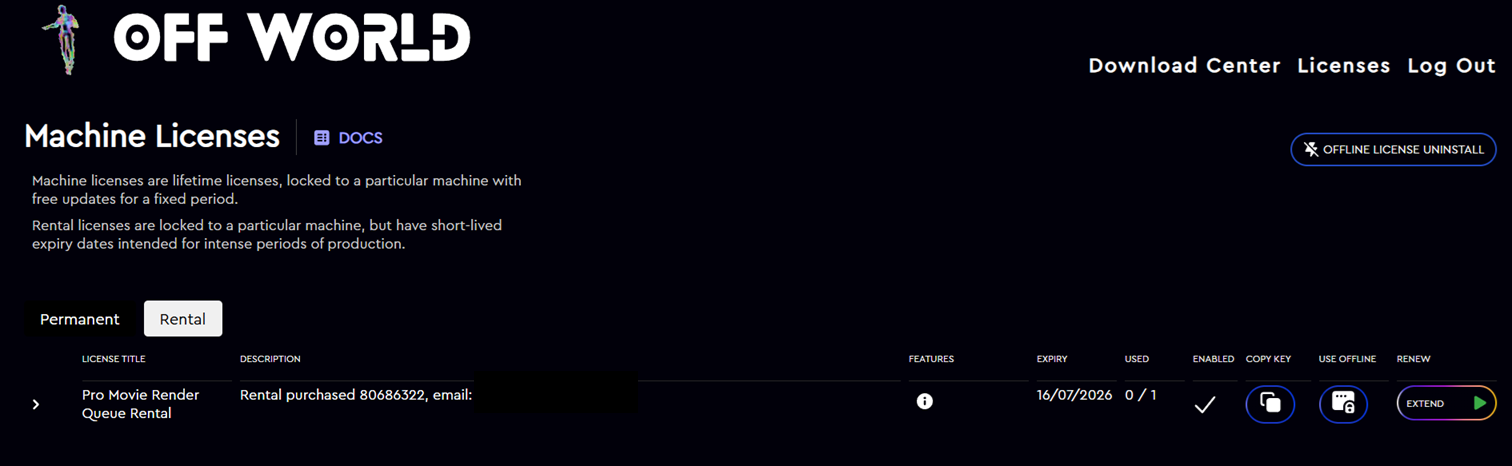
  • You can extend licenses for additional months without having to change the license code or run any additional installation.

  • Licenses can be transferred without limit between machines, perfect for cloud rendering or spinning up cloud broadcast machines.

  • License installation/ removal can be done via the command line for automated pipelines.

  • Post-installation, licenses don’t need internet connection so can be used on-site without complications.

  • All management is done from your Account page, where you can also uninstall cloud machines that are no longer being used, preventing ‘stuck’ licenses.


How to Purchase?

You can buy Rental Licenses direct from our pricing page:

  • You will receive an email with your license code (or you can find this on your account page).

  • Install this to your machines with our license utility.

  • You are ready to go!

Alpha Release: 5.8 Preview, VR180 Fisheye, Cylindrical, Media Output Encoder Major Upgrade

Our alpha release for Unreal Engine 5.8 (409.0) preview is now available in our Download Center.

To access the plugin, please join our Early Access program, as explained below.

In addition to the 5.8 preview release, there is also a 5.7 release (403.2) with updates:

  • Complete refactoring of the Media Output Encoder with multiple new features and increased stability.

  • Release of four new projection types for the 360 Camera: Fisheye, 180VR Fisheye, Cylindrical, Sterescopic Cylindrical

  • Various bug fixes (see list below).


Early Access Program

  • You can join our Early Access program to test out features before they are pushed to full release.

  • To do so, go to your account page and click to subscribe to Early Access.

  • Then go to our Download Center and you will see the Alpha versions of the plugin.

  • If you don’t see the plugin, please make sure you are logged in and hard refresh.


Major Refactor: Direct Streaming and Recording from Unreal via FFMPEG

We have completely refactored our Media Output Encoder, significantly improving performance and stability, and adding various new capabiities:

  • Encoding of multiple simultaneous outputs all via NVENC (GPU) so there is zero/ minimal FPS impact in Unreal.

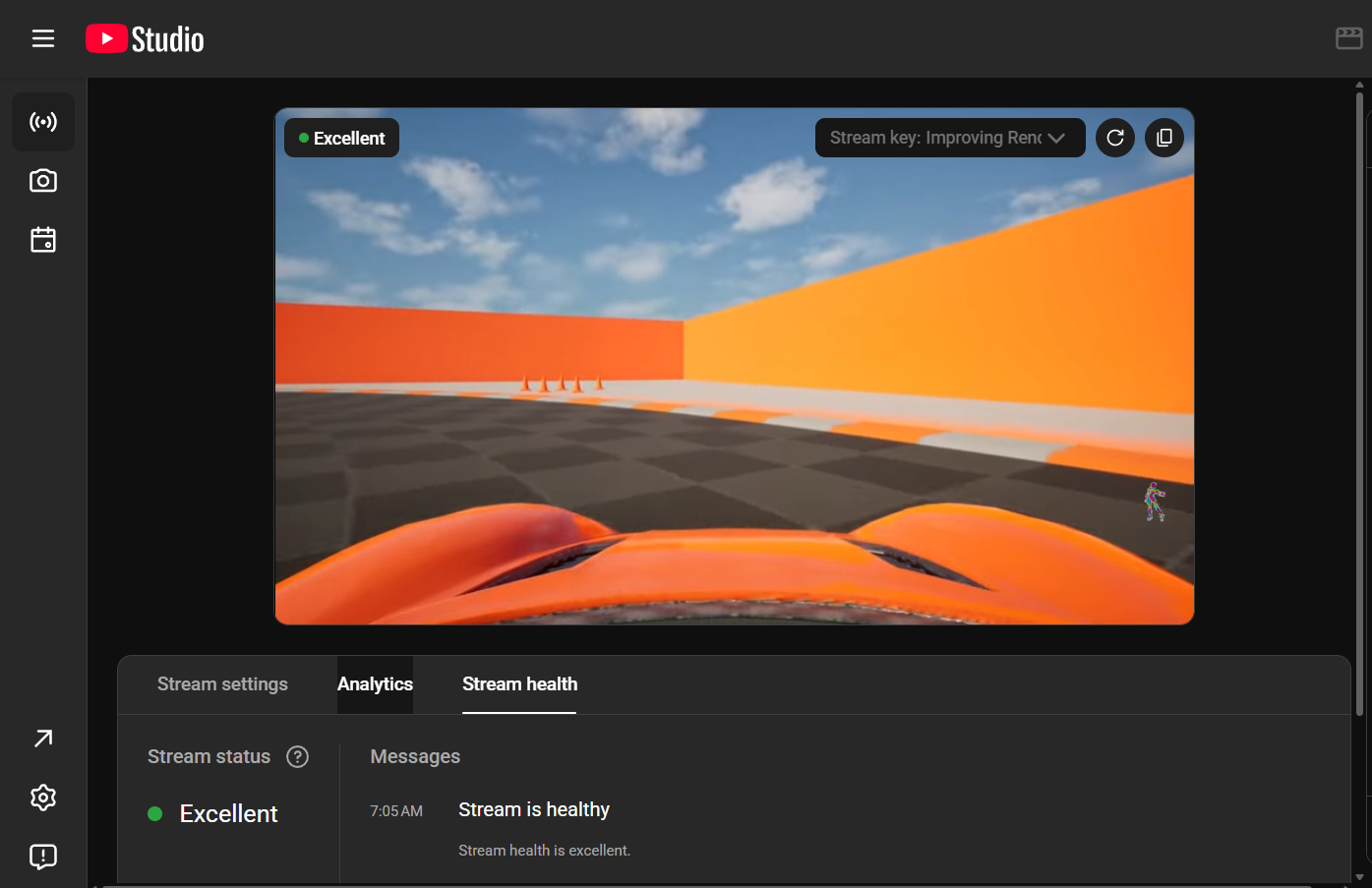
  • Streaming and recording the same output to multiple formats at the same time, for example, streaming to YouTube via RTMP while recording the same output to disk or also streaming to Amazon Elemental via SRT, all with no additional GPU or CPU overhead.

  • Addition of h.265 support, for visually impercetible video compression.

  • Effective video and audio bitrate utilisation to ensure maximum visual quality.

  • Fixed frame rate output with quantisation to ensure exact frame distribution per second.

  • Ability to encode at different resolutions to the input Render Target.

  • Encoding of all Unreal audio formats, up to 7.1 and including Stereo Downmix for immersive Stereo streaming/ recording output.

  • Support for Timecode metadata such as SMPTE, system time or an external timecode input.


Fisheye and VR180 Fisheye Projections

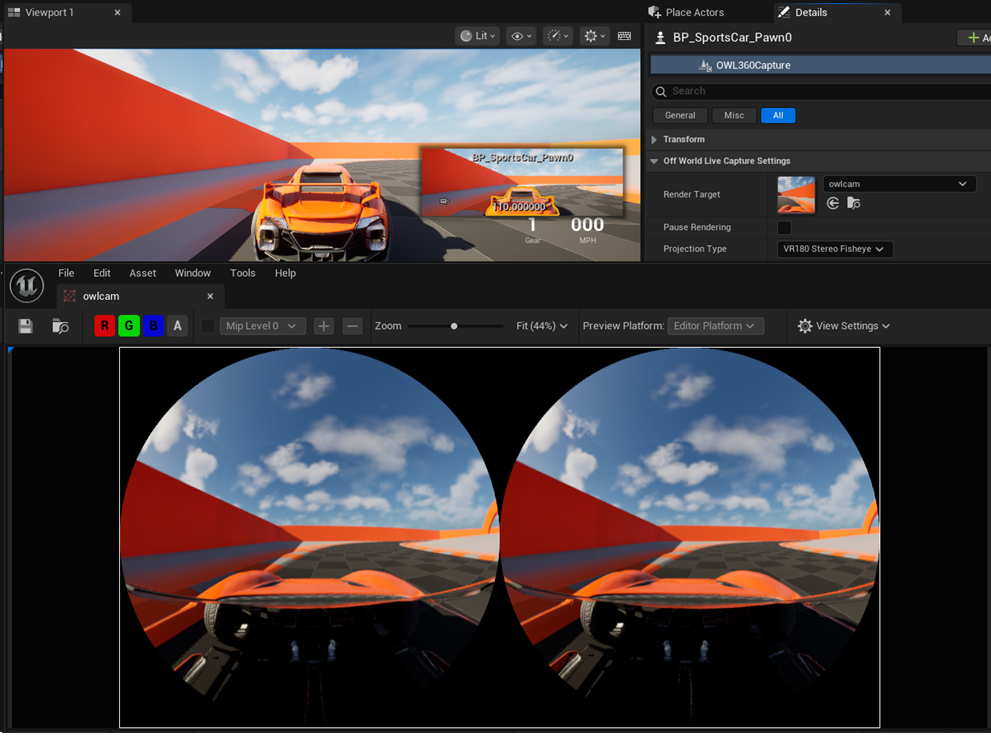
  • We have added VR180 Fisheye projection and updated our Domemaster projection with Fisheye capabilities.

  • Both projections now allow compositing fisheye footage from real-world cameras with Unreal generated footage, such as from the URSA Cine Immersive Camera for Apple Vision Pro.

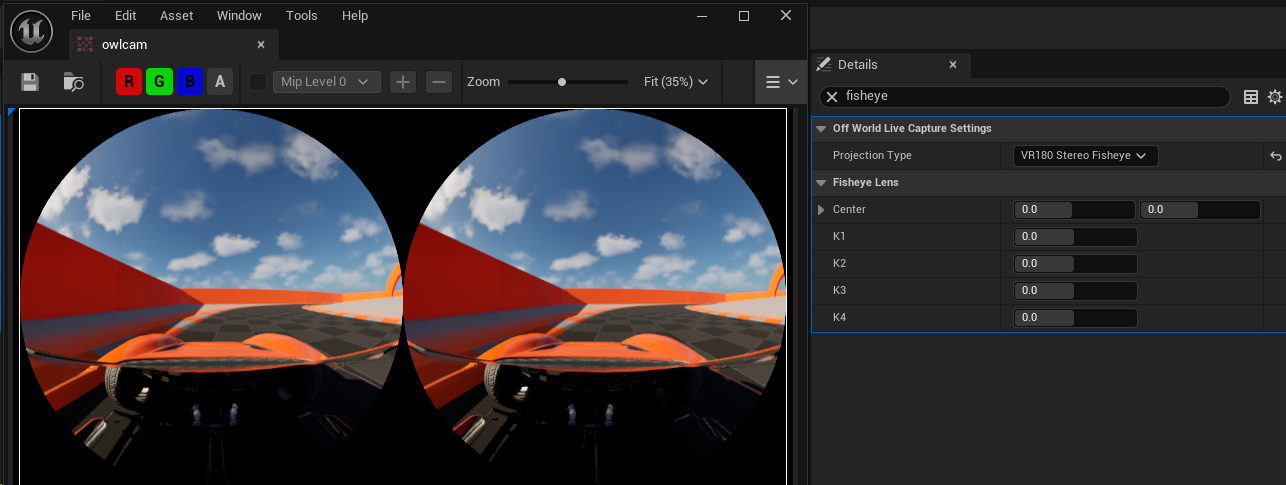
  • You can use the OpenCV standard K1-K4 settings to adjust the lens settings of the OWL 360 Camera so they are precisely aligned with the lens of your real-world camera.

  • This works for both monoscopic and stereoscopic projection types.


Cylindrical and Stereo Cylindrical Projections

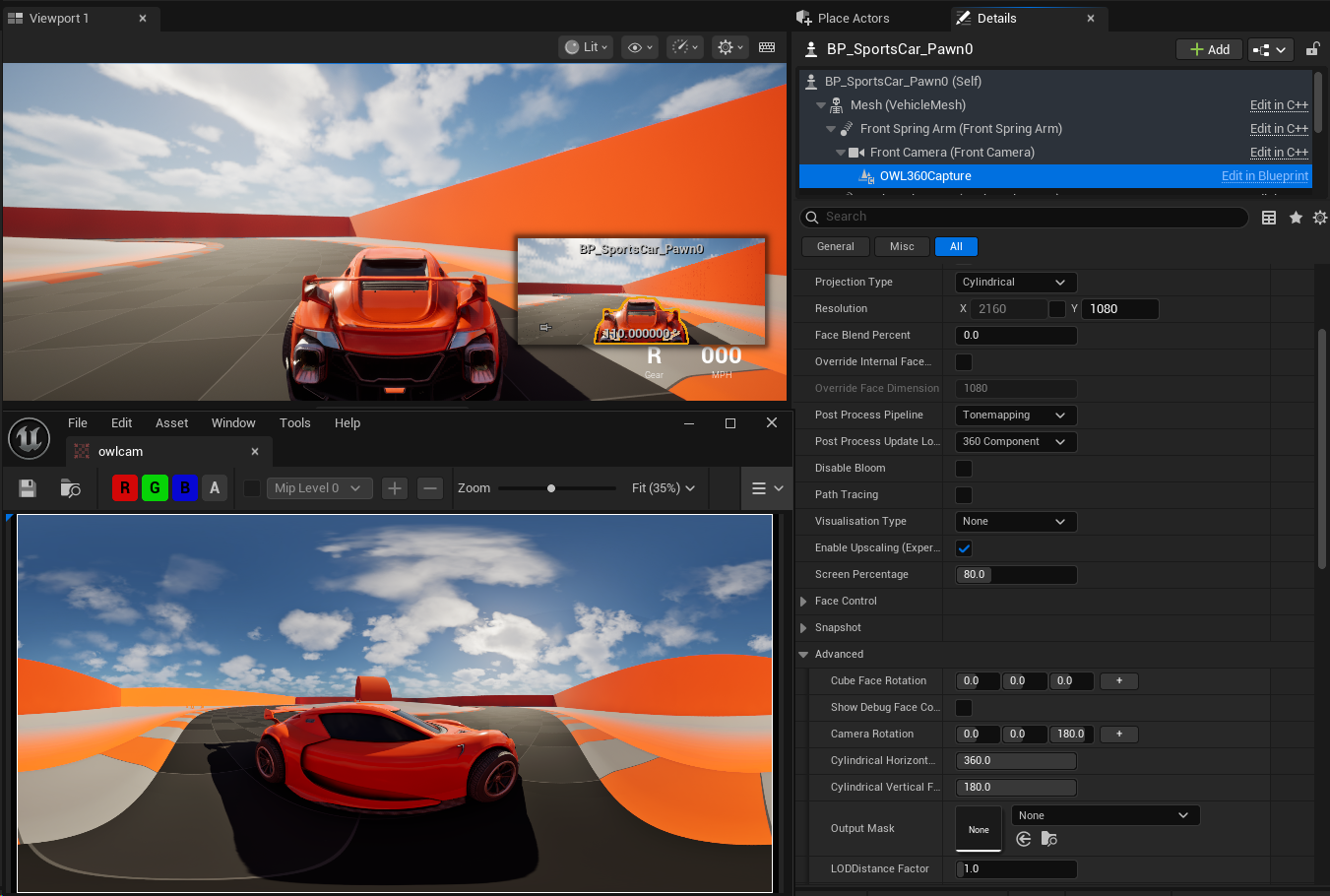
  • We have added Cylindrical and Stereo Cylindrical projections to our 360 Camera which are a highly effective format for live events such as concert projections, product showcases and architectural installations.

  • The projection has fully adjustable Horizontal and Vertical Field-of-View settings so it is precisely adjustable to different wall heights and venues formats (half cylinder etc.)

  • Stereo Cylindrical currently outputs to a side-by-side projection format for delivery to media servers, but it is possible to add Anaglyph and Interlaced projections (like those on our Stereoscopic Cinecam) in the future if required.


Bug Fixes

  • DLSS no longer obstructs face cropping in certain projections.

  • Media Output Encoder respects relative path directories.

  • Stitch pass job preset fix when no Deadline job present.

  • Pixel color distortion in high resolution tiling fixed.

  • Seamless bloom render target flicker fixed.

  • 180 equirectangular projection no longer has missing faces when face crop used.

  • Spout crash in unreferenced nDisplay node launch fixed.


Updates

  • OWL Compositing Toolkit is deprecated from Unreal 5.8 onwards due to Unreal’s introduction of new, more efficient compositing framework.

Earlier updates